The Short Answer Most People Don’t Want to Hear
A template is the right choice for roughly 60% of business websites. Custom design is the right choice for most of the rest. The problem is that almost everyone assumes they fall into the custom category when they don’t, or picks a template when their business genuinely needs something bespoke. The decision isn’t about budget alone. It’s about how much your website needs to do that no other website does.
If your site primarily needs to communicate who you are, what you offer, and how to get in touch, a well-chosen template with thoughtful customisation will serve you well and get you live months sooner. If your website is a core product, handles complex user journeys, or needs to differentiate you in a crowded market where everyone’s site looks the same, custom design earns its cost back many times over.
What follows is a practical framework for making this decision with confidence, based on what we see across dozens of client projects every year.
What “Template” and “Custom” Actually Mean in Practice
Before comparing the two, it’s worth clarifying what these terms mean in 2024, because they’ve blurred considerably. A website template is a pre-built design and layout system, typically sold through platforms like ThemeForest, Squarespace, Webflow, or as part of a page builder ecosystem like Elementor or Divi. You get a structure, a visual style, and a set of components. You fill in your content, adjust colours and fonts, and launch.
A custom design means the layout, visual hierarchy, interaction patterns, and component library are created specifically for your business. Someone researches your users, maps your content strategy, designs every screen from scratch, and builds it to specification. There’s no starting template underneath.
The confusion arises because there’s a large middle ground. Many agencies take a template, strip it back, and rebuild sections to match a client’s needs. Some call this “custom” when it’s really template-based with significant modifications. Others use a design system approach where reusable components are built from scratch but assembled quickly, which is genuinely custom but more efficient than designing every pixel from zero.
When we talk about custom design at NexusBond, we mean the latter: purpose-built components based on your specific content, user journeys, and business goals, assembled into a cohesive system. That distinction matters because it affects cost, timeline, and long-term maintainability in ways we’ll get into below.
When a Template Is the Smart Choice
Templates get a bad reputation in the design community, but that reputation is often undeserved. A template is a smart, pragmatic choice when several conditions are true about your project.
First, your website is primarily informational. If you’re a B2B services company that needs a professional online presence with five to fifteen pages covering your services, team, case studies, and a contact form, a template handles this beautifully. The design patterns for these sites are well-established. A visitor expects a hero section, a value proposition, some social proof, and a clear call to action. Templates nail this because they’ve been optimised through thousands of users for exactly these patterns.
Second, speed matters more than differentiation. If you’re launching a new business, entering a new market, or replacing an embarrassingly outdated site, getting something professional live in four to six weeks beats spending four to six months on a custom build. We regularly advise clients in this position to launch with a template and invest in custom design later, once they have real traffic data and user behaviour to design around.
Third, your internal team needs to manage the site without technical support. Modern template platforms, particularly Squarespace and Webflow, give marketing teams genuine control over content updates. A custom WordPress build might require a developer every time you want to add a new page layout. That ongoing dependency costs more than people budget for.
The Real Risks of Template-Based Sites
The risks aren’t what most people think. Your site looking “generic” is actually the least of your worries, because most visitors won’t notice or care as long as the content is strong. The real risks are more operational.
Template lock-in is the biggest one. If you build heavily on a specific theme or page builder, migrating away from it later means rebuilding from scratch. We’ve seen companies spend £15,000 to £30,000 extracting themselves from a theme ecosystem they outgrew, which is roughly what a modest custom build would have cost in the first place.
Performance bloat is the second risk. Most premium templates ship with dozens of features you’ll never use, and each one adds weight. A theme that demos beautifully might load in 4-6 seconds on a real hosting environment because it’s carrying animation libraries, slider scripts, and layout engines for features you disabled but didn’t remove. This directly hurts your search rankings and conversion rates.
The third risk is content compromise. When you start with a template, you’re fitting your message into someone else’s structure. If the template has a three-column feature section but you have four key differentiators, you’ll either drop one or awkwardly force a fourth column. These small compromises accumulate. After enough of them, the site reflects the template’s logic rather than your business’s logic.

When Custom Design Is Worth the Investment
Custom design makes financial sense when your website needs to do something that templates weren’t built to handle, or when the cost of looking like everyone else in your market is measurably hurting your business.
The clearest signal is complex user journeys. If visitors need to configure a product, compare pricing tiers with conditional logic, complete a multi-step onboarding flow, or interact with dynamic content based on their industry or role, templates will fight you at every turn. You’ll spend more time hacking around template limitations than you would have spent building purpose-fit components.
Another strong signal is competitive differentiation in a visual market. If you’re a SaaS company competing against twenty similar tools, your website is often the first and strongest brand impression a prospect gets. When every competitor uses the same template style (and in SaaS, they genuinely do), a custom design signals maturity, investment, and confidence. This isn’t vanity; it’s positioning. Enterprise buyers particularly use website quality as a proxy for company quality.
Custom design also pays off when you have enough traffic to optimise against. If your site gets 10,000 or more monthly visitors, even a small improvement in conversion rate creates significant revenue impact. A custom design lets you structure pages around real user behaviour data, test specific layout hypotheses, and iterate on components independently. Templates make this kind of granular optimisation difficult because changing one section often has cascading effects on others.
What Custom Design Should Actually Include
If you’re going to invest in custom, make sure you’re getting genuine value and not just a prettier version of a template. A proper custom design engagement should include:
- Discovery and strategy work that defines your target audience segments, their key questions, and the journeys they take through your site
- Content-first design where layouts are built around your actual content, not placeholder lorem ipsum that gets swapped later
- A component-based design system that gives your team flexible building blocks rather than rigid page templates
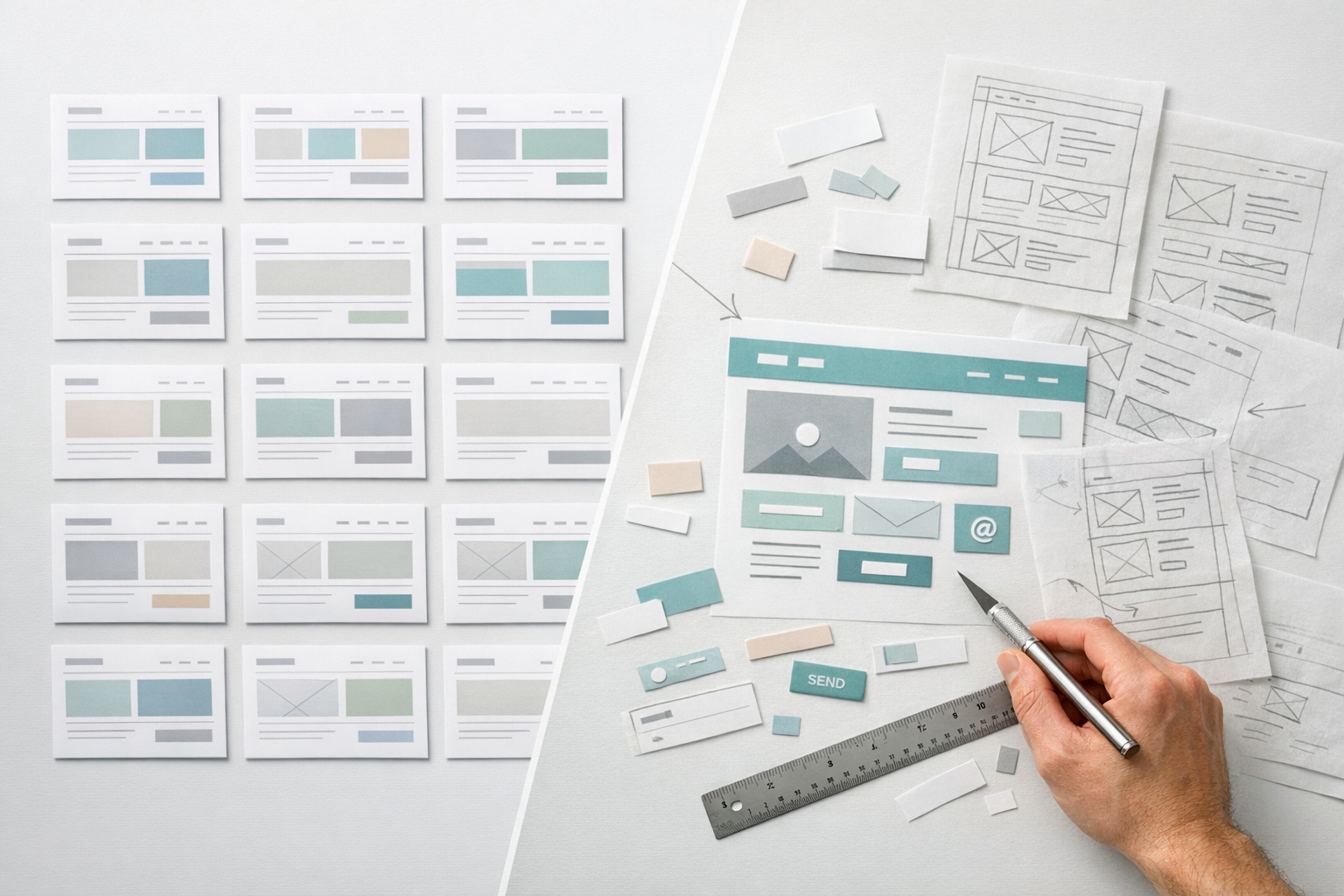
- Interactive prototyping that lets stakeholders experience the site before development begins, catching misalignments early
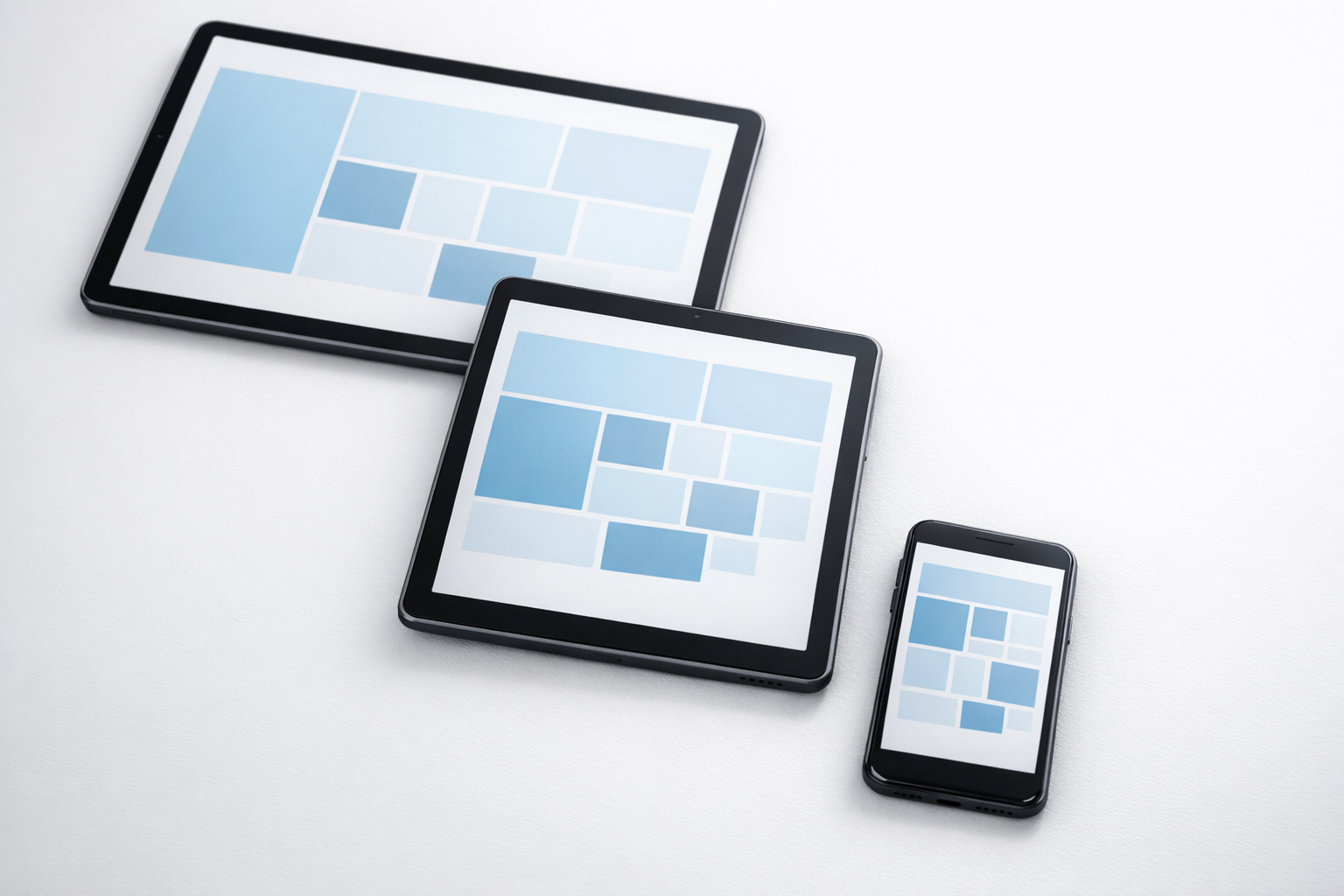
- Responsive design across breakpoints, not just a desktop layout that gets awkwardly squeezed onto mobile
If a custom design proposal doesn’t include these elements, you’re likely paying custom prices for template-level thinking. The prototyping step is particularly important because it’s where the most expensive mistakes get caught. We cover this process in detail in our prototype-first guide, which walks through how testing a functional prototype before committing to full development typically saves teams three to six weeks of rework.
The Cost Comparison People Get Wrong
Most articles frame this as a simple cost comparison: templates are cheap, custom is expensive. That framing is misleading because it only accounts for the initial build cost and ignores the total cost of ownership over three years, which is the typical lifespan of a business website before it needs a significant refresh.
A template-based site might cost £2,000 to £8,000 to set up professionally (or near-zero if you do it yourself, though the time cost is real). But over three years, you’ll likely spend £1,000 to £3,000 annually on template updates, plugin compatibility fixes, and workarounds for things the template doesn’t support natively. If you outgrow the template, the rebuild cost resets the clock entirely.
A custom-designed site typically costs £15,000 to £60,000 for mid-market B2B companies, depending on complexity. But annual maintenance is often lower because there’s less dependency on third-party theme updates, and the design system approach means new pages and sections can be built from existing components without designer involvement.
The calculation that actually matters is cost per qualified lead or cost per conversion. If a custom site converts at 3.2% versus a template site’s 1.8% (numbers we see regularly when comparing before-and-after redesign metrics), and your average deal value is £25,000, the custom build pays for itself within a few months of launch. If your deal values are smaller or your traffic is low, that payback period stretches, and a template makes more financial sense until your pipeline justifies the investment.

The Hybrid Approach That Often Works Best
For many mid-market companies, the smartest path isn’t purely template or purely custom. It’s a strategic hybrid that uses template-level efficiency where differentiation doesn’t matter and custom design where it does.
In practice, this means using a robust platform like Webflow or a headless CMS as your foundation, then custom-designing the high-impact pages: your homepage, your primary service or product pages, your pricing page, and your lead capture flows. Standard pages like your blog, careers page, legal pages, and secondary content can use well-structured templates that match your custom design system’s visual language.
This approach typically costs 40-60% of a fully custom build while capturing 80% of the conversion and differentiation benefits. What we see across client projects is that the homepage and the top three to five landing pages drive 70-85% of conversions. Investing custom design effort there and using templated approaches elsewhere is a rational allocation of budget.
The key to making a hybrid approach work is establishing a coherent design system first. If your custom pages use one visual language and your templated pages use another, the site feels disjointed. Start by defining your typography scale, colour system, spacing rules, and component styles, then apply those consistently whether a page is custom-built or template-assembled.
How to Evaluate Your Situation Honestly
Here’s a practical framework our team typically recommends when clients are wrestling with this decision. Answer these five questions honestly, and the right path usually becomes clear.
How complex are your user journeys? If a visitor lands on your site, reads a few pages, and fills out a contact form, that’s a simple journey. A template handles it. If they need to select a product configuration, see dynamic pricing, book a demo for a specific use case, or navigate role-based content, you need custom work.
How differentiated is your market positioning? If you compete primarily on relationships, reputation, or niche expertise, your website needs to be professional but doesn’t need to be visually groundbreaking. If you compete in a crowded market where buyers compare multiple vendors side by side, visual distinctiveness directly affects perception and shortlisting.
How much traffic does your site get? Below 5,000 monthly visitors, the conversion rate difference between template and custom is hard to measure statistically. Your effort is better spent on driving more traffic. Above 10,000, optimisation becomes meaningful. Above 50,000, every percentage point of conversion improvement has significant revenue impact.
What’s your team’s technical capability? If nobody on your team can edit HTML or work with a CMS confidently, a template on a user-friendly platform gives you independence. A custom build on a complex CMS might leave you dependent on an agency for every small change, which erodes the value of your investment through ongoing costs and delays.
What’s your realistic timeline? If you need to be live in six weeks, custom design is almost certainly off the table unless you’re working with a very small, focused scope. A proper custom design process, including discovery, prototyping, design, development, and testing, typically takes twelve to twenty weeks for a mid-sized B2B site. If you’re in a rush, launch with a template now and plan a custom build for six months from now when you have user data to design around.
Common Mistakes That Lead to Regret
Having worked on both template-based and custom projects for years, we see the same regrettable patterns repeat themselves. Knowing what they are helps you avoid them.
Choosing custom because of ego rather than strategy. Some leadership teams want a custom website because it feels more prestigious. If your site serves 2,000 visitors a month and your sales process is relationship-driven, spending £40,000 on custom design is hard to justify. That money would be better spent on content, SEO, or sales enablement tools.
Choosing a template and then customising it beyond recognition. This is perhaps the most expensive mistake. A company buys a £79 theme, then spends £20,000 in developer hours forcing it to do things it wasn’t designed for. The result is a fragile, slow site that’s harder to maintain than a custom build would have been. If your customisation list exceeds about 30% of the template’s original structure, you’ve crossed the threshold where custom would have been cheaper and more stable.
Skipping the strategy phase regardless of approach. Whether you use a template or go custom, the most important work happens before any design or development begins. Defining your content hierarchy, mapping user journeys, and aligning stakeholders on what the site needs to achieve should take two to four weeks. Skipping this to “just get started” leads to rework that costs far more than the strategy phase would have.
Not prototyping before committing. This applies more to custom builds, but it’s relevant for complex template projects too. If you can’t click through a realistic version of the site and test whether the navigation, content flow, and key interactions work before development begins, you’re gambling with your budget. In our projects, we prototype before we design precisely because the cost of changing a prototype is trivial compared to the cost of changing a built website.
Making the Decision and Moving Forward
If you’ve read this far, you probably already have a strong intuition about which direction is right for your project. Trust that intuition, but validate it against the five questions above before committing budget.
If you’re leaning toward a template, invest your time in choosing the right platform rather than the right theme. Platforms determine your long-term flexibility; themes are replaceable. Webflow, WordPress with a lightweight theme framework, and Squarespace each serve different needs well. Pick the platform that matches your team’s capability and your growth trajectory.
If you’re leaning toward custom, insist on a phased approach that begins with strategy and prototyping before moving into visual design and development. Any team that jumps straight to designing mockups without understanding your content, users, and business goals is working backwards, no matter how talented they are.
If you’re genuinely unsure, start with a focused discovery engagement. Spend two to three weeks mapping your content needs, user journeys, and competitive landscape. The answer will become obvious once you see the gap between what a template provides and what your business actually requires. That small upfront investment prevents the much larger cost of choosing wrong and rebuilding eighteen months later.