Responsive Design in Plain Terms
Responsive design is a way of building websites so that the layout, images, and content automatically adapt to whatever screen size the visitor is using. Whether someone opens your site on a 27-inch desktop monitor, a tablet in portrait mode, or a phone on the train, a responsive site rearranges itself to remain readable, usable, and visually coherent. It matters because more than half of all web traffic now comes from mobile devices, and a site that doesn’t work properly on a phone isn’t just inconvenient; it actively drives revenue away.
The concept sounds straightforward, but the execution is where most teams stumble. Responsive design isn’t just about “making it fit on a small screen.” It’s a set of design and development decisions that affect navigation patterns, content hierarchy, image performance, form usability, and even how your brand comes across at different sizes. Getting it right requires thinking about these variables from the start of a project, not bolting them on at the end.
How Responsive Design Actually Works
Under the hood, responsive design relies on three core technical ingredients: fluid grids, flexible images, and CSS media queries. Understanding each of these helps you evaluate whether your current site is genuinely responsive or merely “not broken on mobile,” which are very different things.
Fluid Grids
Traditional web layouts used fixed pixel widths. A page might be designed at exactly 960 pixels wide, and that was that. Fluid grids replace fixed pixel values with proportional units (percentages or newer CSS units like vw). Instead of saying “this column is 300 pixels wide,” you say “this column takes up 30% of the available space.” The result is a layout that stretches and compresses naturally as the browser window changes size. Think of it like water filling a container rather than a rigid frame that either fits or doesn’t.
Flexible Images and Media
Images are the most common culprit when a site breaks on smaller screens. A flexible image is set to scale within its container rather than displaying at its native resolution regardless of context. Modern responsive implementations go further by serving different image files at different screen sizes, so a phone user doesn’t download a 3MB hero image meant for a retina desktop display. This has a direct impact on page speed, which we’ll come back to shortly.
CSS Media Queries
Media queries are the conditional logic of responsive design. They allow you to write rules that say “when the screen is narrower than 768 pixels, do this instead.” This is how a three-column layout becomes a single-column stack on a phone, or how a desktop navigation bar transforms into a hamburger menu. The “breakpoints” where these changes happen are one of the most important decisions in a responsive build, and choosing them based on your actual content rather than arbitrary device widths makes a significant difference to the finished experience.
Why Responsive Design Matters for Your Business
The business case for responsive design goes well beyond “people use phones now.” There are at least five distinct, measurable ways it affects your bottom line.
You Lose Visitors Without It
Google’s own research has shown that 53% of mobile users abandon a site that takes longer than three seconds to load. A non-responsive site on mobile typically loads slowly (because it’s serving desktop-weight assets), displays text too small to read without zooming, and presents navigation that’s nearly impossible to tap accurately. Each of these issues increases bounce rate. In our projects, we routinely see clients whose analytics show mobile bounce rates 20 to 40 percentage points higher than desktop. When we dig into the data, it almost always traces back to a layout that was designed for large screens and awkwardly crammed onto small ones.
Search Rankings Depend on It
Google has used mobile-first indexing as its default since 2019. This means Google primarily looks at the mobile version of your site to determine rankings, even for desktop searches. If your mobile experience is poor, broken, or substantially different from your desktop version, your search visibility suffers across the board. Responsive design is the cleanest way to satisfy mobile-first indexing because both versions share the same URL and the same content. The alternative approaches, like maintaining a separate mobile subdomain (m.yourdomain.com), create duplicate content headaches and dilute your link equity.
Maintenance Costs Drop
Maintaining two separate sites, one for desktop and one for mobile, doubles your update workload. Every content change, every new page, every bug fix needs to happen twice. A single responsive codebase means one update propagates everywhere. For a mid-market company publishing regular content or running seasonal campaigns, this translates to meaningful time savings across the marketing and development teams. We typically estimate that teams maintaining separate mobile sites spend 30-50% more time on routine content operations than those working with a well-built responsive site.
Conversion Rates Improve
Responsive design doesn’t just prevent people from leaving. It also makes it easier for them to complete the actions you care about, whether that’s filling out a contact form, downloading a resource, or starting a purchase. Forms that resize properly, buttons with adequate tap targets, and content that reads naturally without horizontal scrolling all reduce friction. We’ve seen B2B clients improve mobile conversion rates by 15-25% simply by moving from a poorly adapted layout to a properly responsive one, without changing the copy, the offer, or the traffic source.
It Future-Proofs Your Investment
New device sizes appear constantly. Foldable phones, tablets with detachable keyboards, ultra-wide monitors, cars with built-in browsers. A responsive site adapts to screen dimensions it was never explicitly designed for, because the underlying approach is proportional rather than device-specific. You’re not designing for today’s iPhone; you’re designing for any rectangle that can display a web page. This makes your website investment durable in a way that device-specific approaches simply aren’t.

Responsive Design vs. Adaptive Design vs. Mobile-First
These three terms get thrown around interchangeably, but they describe different things. Understanding the distinction helps you have more productive conversations with designers and developers.
Responsive design uses fluid layouts that continuously adjust to any screen width. There are no hard jumps between “modes”; the layout flows. Adaptive design detects the device or screen size and serves one of several pre-built layouts. It’s less fluid and more like having six versions of your site, each triggered at a specific width. Adaptive can work, but it’s more expensive to maintain and doesn’t handle edge cases (unusual screen sizes) as gracefully.
Mobile-first design is a design philosophy rather than a technical approach. It means you start the design process with the smallest screen and progressively enhance for larger ones, rather than designing for desktop and then trying to make it shrink. Mobile-first pairs naturally with responsive development and tends to produce better results because it forces you to prioritise content ruthlessly. When you only have 375 pixels of width to work with, every element needs to earn its place. What we see across client projects is that teams who design desktop-first and then “make it responsive” end up with mobile experiences that feel like afterthoughts, because that’s exactly what they are.
Where Responsive Design Goes Wrong
A site can technically be responsive and still deliver a poor experience. Here are the most common failures we encounter when auditing existing sites.
Hidden Content and Collapsed Sections
Some teams respond to mobile constraints by hiding large chunks of content behind accordions, tabs, or “read more” links that don’t exist on desktop. If the information was important enough to include on the desktop version, burying it on mobile tells your mobile visitors they’re second-class citizens. A better approach is to restructure the content hierarchy so the most important information appears first at every size, with supporting details following in a natural reading order.
Touch Target Problems
Links and buttons designed for mouse cursors are often too small and too close together for finger taps. Google recommends a minimum touch target size of 48 x 48 CSS pixels with adequate spacing between interactive elements. This sounds minor, but failing to meet it is one of the top causes of “rage taps” where users repeatedly tap something that doesn’t register, become frustrated, and leave.
Performance Neglect
Making a layout fluid doesn’t automatically make it fast. A responsive site that serves 4MB of unoptimised images, loads 15 JavaScript libraries, and renders 200 DOM elements before showing any content will still be painfully slow on a mobile connection. True responsive design includes performance as a first-order concern, not an optimisation step that happens after launch. This means lazy-loading images below the fold, serving appropriately sized assets, minimising render-blocking scripts, and testing on throttled connections that simulate real-world mobile speeds.
Ignoring Intermediate Sizes
Many responsive sites are tested only at two extremes: full desktop width and the narrowest phone width. The experience at tablet sizes, landscape phones, and small laptops is left to chance. These intermediate viewports often reveal awkward layouts where elements are too large for the space but haven’t yet triggered the mobile breakpoint. Testing across a continuous range of widths, rather than at two or three fixed points, catches these issues before your visitors do.
How to Test Whether Your Site Is Truly Responsive
You don’t need a wall of devices to evaluate responsiveness, though testing on real hardware is always better than simulators alone. Here’s a practical testing process that covers the essentials.
- Browser resize test: Open your site in Chrome or Firefox and slowly drag the browser window from full width to the narrowest it will go. Watch for content that overflows, horizontal scrollbars, text that becomes unreadable, or elements that overlap.
- Google’s Mobile-Friendly Test: This free tool tells you whether Google considers your pages mobile-friendly and flags specific issues like text too small, clickable elements too close together, or viewport not configured.
- Chrome DevTools device mode: Toggle the device toolbar in Chrome to simulate specific devices and network speeds. Pay particular attention to how your navigation, forms, and tables behave at each size.
- Real device spot checks: Borrow a cheap Android phone, a mid-range tablet, and test on actual hardware. Emulators miss real-world issues like font rendering differences, touch behaviour quirks, and actual network performance.
- Core Web Vitals: Run your pages through Google PageSpeed Insights and check the mobile scores separately from desktop. Look at Largest Contentful Paint (LCP), Cumulative Layout Shift (CLS), and Interaction to Next Paint (INP) for concrete performance data.
If you find significant issues, don’t panic. But do recognise that a partial fix (tweaking a few CSS rules) often introduces new problems elsewhere. If your site was built without responsive principles from the ground up, a proper redesign is usually more cost-effective than patching.

Building Responsiveness Into a New Website Project
If you’re planning a website redesign or a new build, here’s how to make sure responsive design is handled properly rather than treated as an afterthought.
Start With Content Structure, Not Visual Design
Before anyone opens a design tool, map out your content hierarchy at a structural level. What are the most important pieces of information on each page? What’s the logical reading order? This exercise reveals what should be prominent at every screen size and prevents the common trap of designing a beautiful desktop layout that has no sensible way to collapse for mobile.
Prototype at Multiple Breakpoints Early
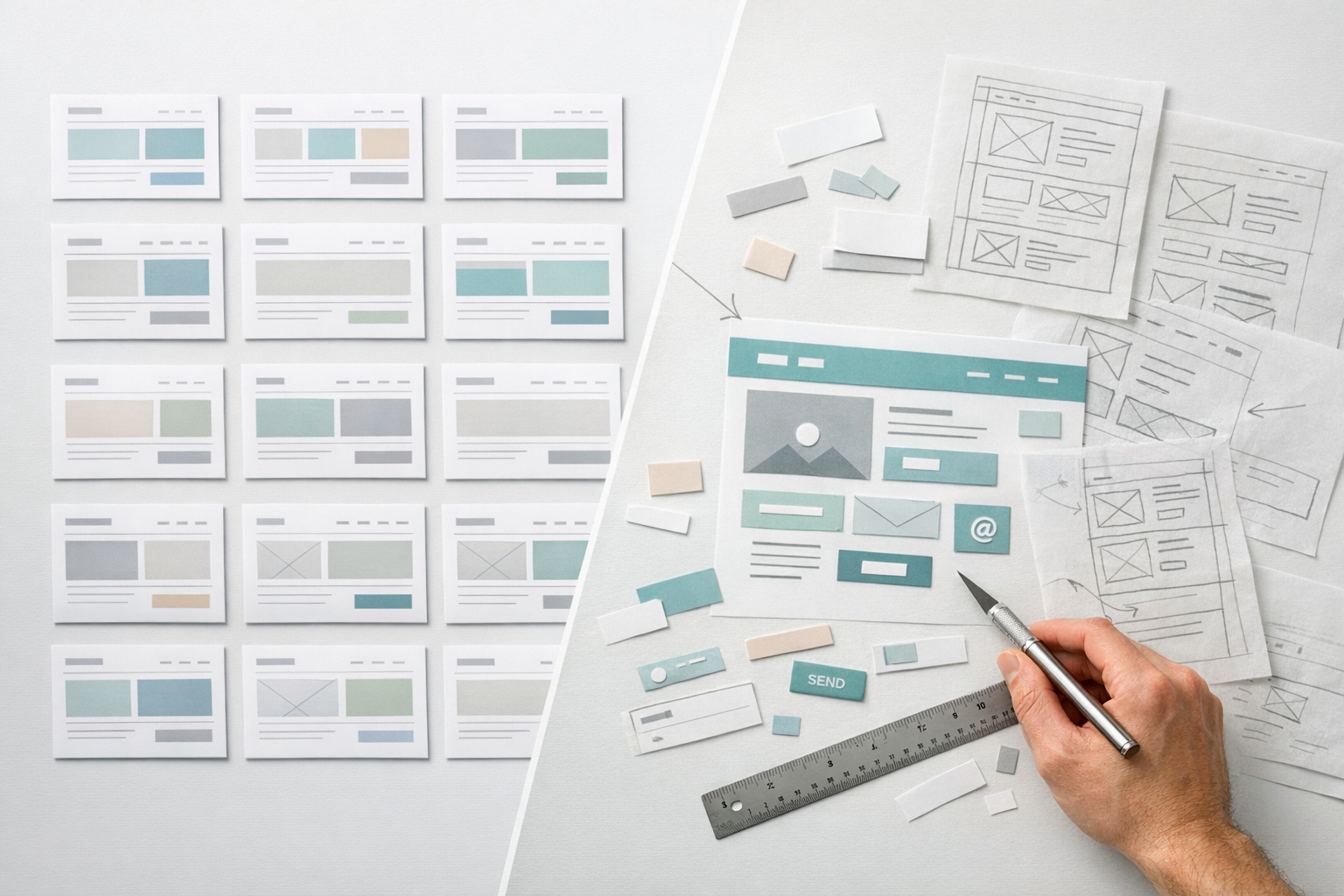
This is where we see the biggest return on investment in responsive projects. Building an interactive prototype that demonstrates how key pages behave at desktop, tablet, and mobile widths lets the entire team experience the responsive behaviour before any code is written. Stakeholders can see how the navigation works on a phone, how product grids reflow, and whether long-form content pages remain scannable at narrow widths. Problems caught at the prototype stage cost a fraction of what they cost to fix in development. If you want a deeper look at how prototyping de-risks these kinds of decisions, our prototype-first guide walks through the full process.
Define Breakpoints Based on Content, Not Devices
Rather than picking breakpoints because “that’s the iPhone width,” set them where your content starts to break. Resize your prototype and note the widths where text lines become too long, where elements get awkwardly spaced, or where the layout feels strained. Those are your natural breakpoints. This approach is more resilient because it’s tied to your specific design rather than to device dimensions that change with every product cycle.
Design Components, Not Just Pages
A component-based design system makes responsive behaviour far more manageable. Instead of designing each page as a monolithic layout, you design individual components (hero sections, card grids, testimonial blocks, pricing tables) that each have defined responsive behaviour. When you assemble pages from these components, the responsive logic is already embedded. This approach also makes ongoing maintenance and new page creation dramatically faster, because the responsive rules are built into the building blocks rather than reinvented for every new layout.
Test Throughout, Not Just at the End
Responsive testing should happen at every stage: during prototyping, during design, during front-end development, and after content is populated. Testing only at launch is one of the most expensive mistakes in web projects because responsive bugs discovered late often require reworking design decisions that cascade through multiple templates. Build responsive QA into your sprint cycle or project milestones, and allocate real time for it rather than assuming it will “just work.”
Common Questions Teams Ask
Does responsive design cost more?
A responsive build costs more upfront than a desktop-only design, typically 15-25% more in design and development time. However, it costs significantly less than maintaining two separate sites, and the SEO, conversion, and user experience benefits more than offset the initial investment. For any site launched after 2015, responsive should be the default, not a premium add-on.
Can we just use a responsive template or theme?
Pre-built responsive templates handle the basics (fluid grids, media queries, image scaling) but rarely handle your specific content well. A template designed for a photography portfolio will make responsive decisions that don’t suit a B2B services company with complex navigation, long-form case studies, and multi-step lead forms. Templates are a reasonable starting point for low-budget projects, but custom responsive work pays for itself on sites that need to drive meaningful business outcomes.
What about apps vs. responsive websites?
Building a native mobile app as an alternative to making your website responsive is almost never the right call for a marketing or corporate site. Apps make sense for products that need offline access, push notifications, or deep device integration. For everything else, a responsive website reaches a wider audience with lower friction, since visitors don’t need to download anything. A well-built responsive site on a modern phone is indistinguishable from an app in terms of performance and usability, especially with progressive web app (PWA) techniques available.
What Good Responsive Design Feels Like
When responsive design is done well, nobody notices it. That’s the point. A visitor on their phone reads your content comfortably, taps links without accidentally hitting the wrong one, fills out your form without zooming, and gets the information they need in the order that makes sense. They don’t think about “the mobile version” because there is no separate version. There’s just the site, and it works.
The opposite is painfully obvious. Pinch-to-zoom. Horizontal scrolling. Menus that don’t open. Buttons too small to hit. Text running off the edge of the screen. Tables that turn into a mess of overlapping columns. Every one of these failures is a moment where a potential customer decides your site isn’t worth the effort.
Responsive design is not a feature you add to a website. It’s a fundamental approach to how the site is conceived, structured, designed, and built. Treating it as anything less than that is how you end up with a site that looks great in the boardroom demo and falls apart in the hands of the people who actually matter: your visitors.
Where to Go From Here
If you’re evaluating your current site, start with the testing checklist above and document what you find at phone, tablet, and desktop widths. If you’re planning a new build, make sure your brief explicitly requires responsive prototyping at multiple breakpoints before visual design begins. Define your content hierarchy early. Choose breakpoints based on your content, not device lists. Test continuously, not just at launch. And invest in a component-based design system that bakes responsive behaviour into every building block, so the quality of the experience stays consistent as your site grows and evolves over time.