The Job Your Homepage Actually Does
A good homepage answers three questions within five seconds: who you are, what you do, and why the visitor should care. Everything else on the page exists to support those answers and move people toward a next step. If your homepage does that clearly, with proof, and without making visitors think too hard, you have a good homepage. If it relies on stock imagery, vague slogans, and a wall of logos with no context, you have an expensive placeholder.
Most homepage redesigns focus on the wrong things. Teams spend weeks debating hero image options or button colours while the actual copy remains “Lorem ipsum” until the week before launch. In our projects, we see this pattern constantly: the visual design gets approved months before anyone has agreed on the words the homepage will say. The result is a page that looks polished but says nothing specific enough to convert a visitor into a lead.
What follows is a detailed breakdown of what actually makes a homepage work, drawn from years of building and auditing sites for B2B companies. This is not a checklist of design trends. It is a practical guide to the structural, content, and strategic decisions that separate high-performing homepages from forgettable ones.
Clarity in the First Viewport
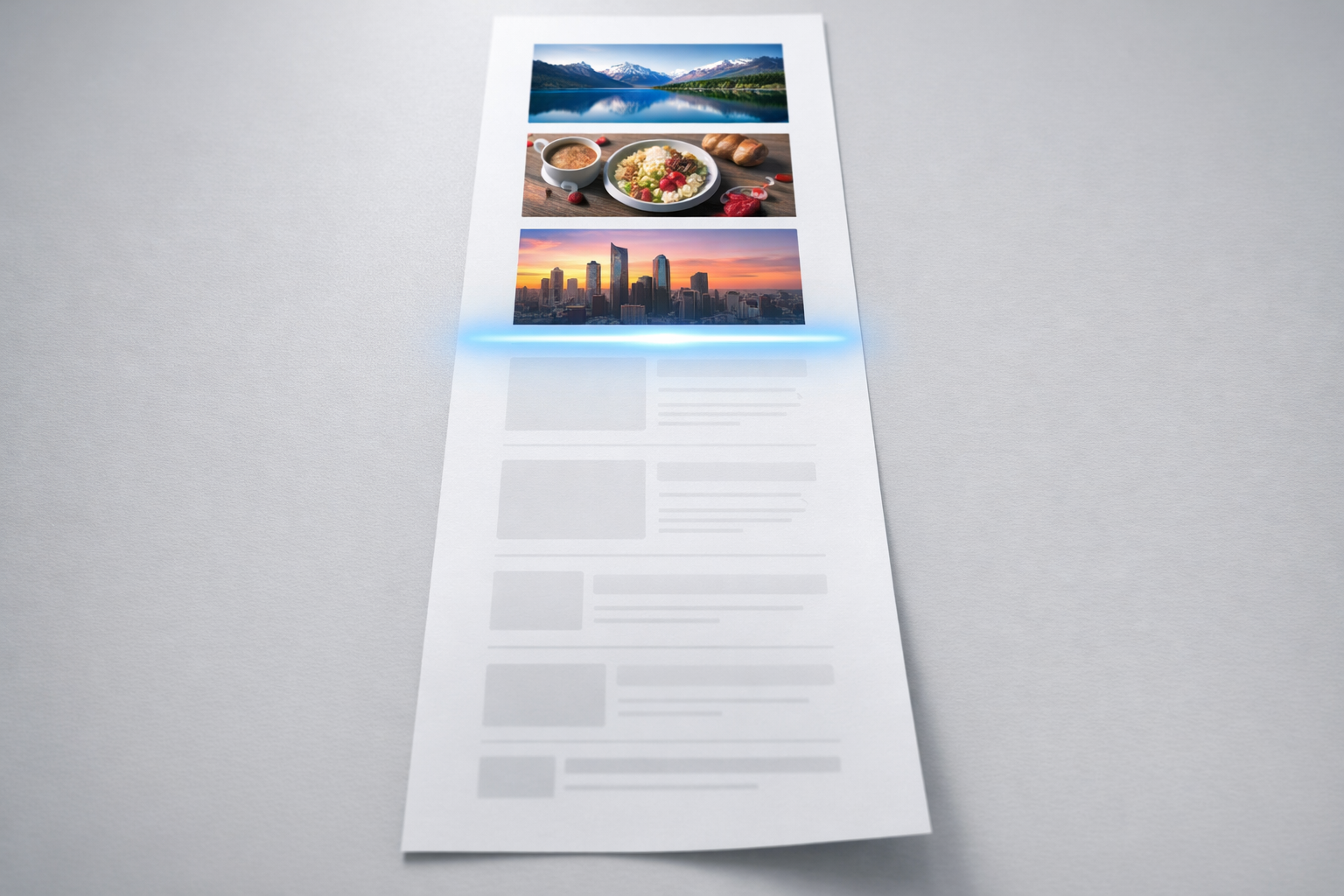
The first viewport is everything a visitor sees before scrolling. On a desktop monitor, that is roughly 600 to 800 pixels of vertical space. On mobile, it is even less. This is where your homepage earns or loses attention, and it needs to do real work.
Your headline should state what you do and who you do it for. Not a clever tagline. Not a motivational phrase. A clear, specific statement of value. “We help mid-market SaaS companies reduce churn by fixing their onboarding experience” is infinitely better than “Transforming the future of customer success.” The first tells me exactly what I will get. The second tells me nothing.
Underneath the headline, a supporting sentence of 15 to 25 words should add context. This is where you explain how you deliver on the headline promise, or what makes your approach different. Think of the headline as the “what” and the subheadline as the “how” or “why you specifically.”
The first viewport should also include a visible primary call to action. Not three buttons competing for attention. One clear next step. If your business runs on demos, the button says “Book a Demo.” If it runs on enquiries, it says “Talk to Us” or “Get a Quote.” Avoid generic labels like “Learn More” because they give the visitor no reason to click.
What to Leave Out of the Hero Section
Auto-playing videos slow your page load and annoy visitors on mobile. Rotating carousels with three or four different messages dilute every single one of them. Studies from the Nielsen Norman Group consistently show that users rarely interact with carousel slides beyond the first one. If you have four messages competing in a carousel, you effectively have zero messages.
Avoid hero sections that are purely decorative. A full-screen photograph of a mountain range or an abstract gradient tells the visitor nothing about your business. If you use an image, it should either show your product in use, depict your ideal customer, or illustrate a specific outcome you deliver.
Social Proof Belongs Above the Fold, Not at the Bottom
Most homepages push testimonials and client logos to the bottom of the page. This is a mistake. By the time a visitor scrolls that far, they have already formed an opinion about whether you are credible. Proof should appear within the first two scrolls, ideally as a logo bar directly beneath the hero section.
But a logo bar alone is weak proof. Five logos with no context just says “we have some clients.” What makes it powerful is adding a qualifier: “Trusted by 120+ B2B companies including…” followed by recognisable names. Even better, pair logos with a single quantified result: “Helped Acme Corp increase demo requests by 47% in 90 days.”
In our work with clients, we build what we call a proof library before the homepage design even starts. This is a structured collection of testimonials, case study snippets, data points, and client results, tagged by audience segment, objection addressed, and stage of the buyer journey. When it comes time to build the homepage, the team is not scrambling for quotes. They are selecting the strongest proof from a curated collection. You can read more about this approach in our content and proof systems guide.
Structure the Page Around Visitor Questions, Not Your Org Chart
A common mistake is organising the homepage by internal categories: our products, our services, our team, our values. Visitors do not arrive thinking about your organisational structure. They arrive thinking about their own problems. A good homepage follows the sequence of questions a first-time visitor asks, roughly in this order:
- What does this company do?
- Is this relevant to me and my situation?
- How does it work?
- Can they prove it works?
- What should I do next?
Each section of your homepage should answer one of these questions. The hero answers the first. A “who this is for” or problem-statement section answers the second. A brief explanation of your process or approach answers the third. Proof, case studies, and testimonials answer the fourth. And a clear call-to-action section answers the fifth.
This does not mean you need dozens of sections. A focused homepage with five or six well-written sections will outperform a sprawling one with twelve sections and a parallax background. Length is not the problem. Relevance is.

The “Who This Is For” Section Most Homepages Skip
If your business serves distinct segments, say it explicitly on the homepage. A two or three column layout with headings like “For Marketing Teams,” “For IT Directors,” and “For Operations Leaders” does something powerful: it lets each visitor self-select. They see themselves reflected on the page and immediately feel that the site is relevant to them.
This section also acts as a navigation device. Each segment card can link to a dedicated landing page tailored to that audience’s specific concerns. Instead of forcing an IT director and a marketing manager through the same generic journey, you route them to the content most likely to resonate.
What we recommend to clients is writing these audience segments based on actual sales conversations. Your sales team knows the three or four types of buyers who show up most often. Use their language. If your IT buyers always ask about security and integration, the homepage card for IT should mention security and integration, not “digital transformation.”
Explaining What You Do Without Jargon
B2B companies are particularly bad at this. Homepages full of phrases like “end-to-end solutions,” “holistic approach,” and “driving synergies” say absolutely nothing. If you removed your company name and logo from the homepage, could a visitor tell what industry you are in? If the answer is no, your messaging has failed.
Good homepage copy passes the specificity test. Take any sentence from your homepage and ask: could a competitor paste this same sentence onto their site without changing a word? If yes, the sentence is too generic to be useful. “We provide comprehensive business solutions” could belong to any company on earth. “We audit your Salesforce instance, find the workflows that are costing you deals, and fix them in two-week sprints” could only belong to one type of company.
The explanation section of your homepage should cover what you do, how you do it, and what the outcome is. A simple three-step process (e.g., “Audit, Recommend, Implement”) with a sentence of explanation under each step is often enough. Visitors are not looking for exhaustive detail on the homepage. They are looking for enough clarity to decide whether to go deeper.
Handling Complex Offerings
If your company sells multiple products or services, resist the temptation to feature all of them equally on the homepage. Pick the two or three that represent your core value and feature those prominently. Everything else can live on a dedicated services or products page. The homepage is a triage point, not an encyclopaedia. Trying to give equal weight to eight different offerings means none of them gets enough space to be persuasive.
Proof That Actually Persuades
There is a hierarchy of proof, and most homepages settle for the weakest form. Here it is, from least to most persuasive:
- Client logos with no context (weakest)
- Short testimonial quotes with a name and title
- Testimonials with specific results (“increased conversion by 32%”)
- Mini case studies with a problem, approach, and outcome
- Video testimonials from named individuals at recognisable companies (strongest)
You do not need to use all of these on the homepage, but you should aim for at least the middle tier. A testimonial that says “Great company, really enjoyed working with them” is barely better than no testimonial. A testimonial that says “NexusBond’s content audit saved us three months of rework on our rebrand. Our homepage bounce rate dropped from 67% to 41% within six weeks” gives the visitor a concrete reason to believe your claims.
Attribution matters enormously. A quote from “Marketing Manager, Tech Company” is far less credible than a quote from “Sarah Chen, VP of Marketing, DataSync.” Real names, real titles, and real company names signal that this is a genuine endorsement, not something made up to fill space.
Calls to Action That Respect the Visitor’s Stage
Not every homepage visitor is ready to book a call. Some are early in their research. Others are comparing shortlisted options. A good homepage acknowledges this by offering at least two tiers of commitment.
The primary call to action is your high-commitment option: book a demo, request a consultation, start a free trial. This should appear in the hero section and again near the bottom of the page. The secondary call to action is your low-commitment option: download a guide, read a case study, watch a short video. This gives early-stage visitors a way to engage without feeling pressured.
Button placement and wording deserve more thought than they usually get. “Get Started” means nothing if the visitor does not know what they are starting. “See How It Works” is better because it promises value without demanding commitment. “Book a 15-Minute Call” is better still because it sets a specific time expectation, reducing the perceived risk of clicking.

Performance and Technical Foundations
A homepage that takes four seconds to load has already lost a significant portion of its visitors. Google’s research shows that bounce probability increases by 32% as page load time goes from one second to three seconds. By five seconds, the probability of bounce has increased by 90%.
The most common culprits on B2B homepages are unoptimised images, excessive third-party scripts, and bloated page builders. A hero image that is 4MB because someone uploaded the raw file from the photographer will cripple your load time on mobile. Every image on the homepage should be properly compressed, served in modern formats like WebP, and lazy-loaded if it is below the fold.
Core Web Vitals are Google’s specific metrics for page experience: Largest Contentful Paint (how fast the main content appears), First Input Delay (how quickly the page responds to interaction), and Cumulative Layout Shift (how much things jump around as the page loads). All three should be in the “good” range. Your developer can check these in Google Search Console or PageSpeed Insights. If they are not monitoring these metrics, that is a problem worth raising.
Mobile Is Not an Afterthought
For most B2B websites, between 40% and 60% of homepage traffic comes from mobile devices. Yet many homepages are still designed desktop-first, with the mobile version treated as a compressed version of the desktop layout. This leads to tiny text, buttons that are too close together, and hero sections that require excessive scrolling.
A good mobile homepage is not just responsive. It is intentionally designed for the constraints of a small screen. That means shorter headlines, larger tap targets, and a willingness to hide or restructure content that does not work on mobile. A three-column feature comparison that looks great on desktop becomes an unreadable mess on a phone. Rethink the format, do not just shrink it.
Content That Gets Written, Not Content That Gets Planned
The single biggest risk to your homepage is not bad design. It is content that never gets finalised. In our experience, the number one cause of website project delays is content. The design is approved in week four. The content is still being debated in week twelve. The site launches with placeholder copy that was meant to be temporary but becomes permanent by default.
This happens because content is treated as a task that can be parallelised with design, when in reality it should come first. You cannot design a hero section without knowing how long the headline is. You cannot design a proof section without knowing whether you have three testimonials or thirty. You cannot design a “how it works” section without knowing whether the process has three steps or seven.
What we recommend is writing homepage content in draft form before any design work begins. This does not mean final, polished copy. It means a content brief that specifies the headline, subheadline, section order, proof assets, and calls to action. The designer then works from this brief, creating a layout that serves the content rather than the other way around.
This approach typically saves teams three to six weeks of rework because the design and content are aligned from the start. No one has to rewrite copy to fit a layout that was designed for a different message. No one has to redesign sections because the final content is twice as long as the placeholder.
Common Homepage Mistakes That Persist
Even experienced teams fall into patterns that weaken their homepage. Here are the ones we see most often:
Leading with company history instead of customer value. Nobody visiting your homepage for the first time cares that you were founded in 2007. They care whether you can solve their problem. Company history belongs on the About page, not in the first three sections of the homepage.
Using internal language that customers do not recognise. If your sales team calls your methodology the “Apex Framework,” but your customers describe it as “that audit thing you do,” use the customer’s language on the homepage. Internal brand names for processes only work if you have enough market presence to have made them familiar.
Burying the most important information below irrelevant sections. If your strongest differentiator is that you guarantee results with a money-back offer, that should be prominently featured, not tucked into the seventh section between a team photo grid and a blog feed. Audit your homepage for information hierarchy and ask honestly: is the order of sections based on what the visitor needs, or on what felt natural during a team brainstorm?
Neglecting the page footer. The footer is the last thing visitors see if they scroll to the bottom, and it is often a jumble of every link on the site with no thought to priority. A well-structured footer includes key navigation links, contact information, and your primary call to action repeated one final time. It should also include trust signals like security certifications, industry memberships, or regulatory compliance badges if they are relevant to your audience.
How to Know If Your Homepage Is Working
A good homepage is not a subjective opinion. It is a measurable outcome. The metrics that matter most for a B2B homepage are:
- Bounce rate: the percentage of visitors who leave without interacting. For a B2B homepage, anything above 60% deserves investigation.
- Scroll depth: how far down the page visitors get. If 80% of visitors never reach your proof section, you either need to move it higher or fix the content above it.
- Click-through rate on primary CTA: what percentage of homepage visitors click your main call to action. Even a 2-3% CTR is meaningful for B2B if the traffic is qualified.
- Time on page: how long visitors spend on the homepage. Very short times (under 15 seconds) suggest the page is not capturing attention. Very long times (over 3 minutes) may suggest confusion rather than engagement.
Set up scroll tracking and click heatmaps using a tool like Microsoft Clarity (which is free) or Hotjar. These show you exactly where visitors lose interest, what they click, and what they ignore entirely. Data from these tools will tell you more about your homepage’s effectiveness than any amount of internal opinion.
Making It Better Over Time
The best homepages are not launched and forgotten. They are treated as living pages that improve based on evidence. After launch, review your analytics monthly. Look for sections with high drop-off and test alternatives. Swap in fresh testimonials quarterly. Update your headline when your positioning evolves.
Small, regular improvements compound. Changing a headline to be more specific might improve engagement by 10%. Adding a stronger testimonial might improve click-through by 5%. Fixing a slow-loading image might reduce bounce rate by 8%. None of these changes is dramatic on its own, but over six months they add up to a homepage that performs significantly better than the one you launched.
A good homepage is not a design achievement. It is a business tool. Treat it like one: measure it, maintain it, and hold it accountable for results. If you get the content right, the design has a foundation to build on. If you get the proof right, visitors have a reason to trust you. And if you get the structure right, every section earns its place on the page by answering a question your buyer actually has.