The Short Answer
A website requirements document should include business objectives, target audience definitions, functional specifications, content requirements, technical constraints, integration needs, design parameters, and success metrics. But the difference between a useful requirements document and a 40-page shelf ornament comes down to how specific, validated, and stakeholder-aligned each section actually is. Most requirements documents fail not because they’re missing sections, but because they’re filled with vague language that different people interpret differently.
Across the projects we’ve scoped at NexusBond, the single most common pattern we see is a requirements document that looks complete but leaves critical decisions unmade. “The site should be modern and user-friendly” appears in nearly every document we review. It tells the development team nothing. What follows is a section-by-section breakdown of what to include, why it matters, and what “good” actually looks like for each part.
Business Objectives and Project Context
Every requirements document needs to open with why this project exists. Not a restatement of the company’s mission, but a clear articulation of the business problem the website is expected to solve. Are you losing qualified leads because your current site doesn’t communicate your value proposition? Has a platform migration forced a rebuild? Is your sales team spending hours answering questions that the site should handle?
This section should include three things. First, the primary business objective: one sentence describing the measurable outcome you need. Something like “increase marketing-qualified leads from organic traffic by 40% within 12 months of launch.” Second, secondary objectives ranked in priority order, because when trade-offs arise during development (and they will), the team needs to know what to protect and what to flex on. Third, project context: what’s driving the timeline, what’s been tried before, and what internal constraints exist. If your CEO has publicly committed to a Q3 launch at a board meeting, that’s context the build team needs to understand.
What we recommend to clients is writing this section first, then revisiting it after every other section is drafted. You’ll often find that the objectives you started with don’t quite match the requirements you’ve written. That mismatch is exactly the kind of misalignment that causes projects to go sideways three months in.
Target Audience and User Personas
A requirements document without clearly defined audiences is like a brief for a building without knowing who will occupy it. You need to specify who will use this website, what they’re trying to accomplish, and what their expectations are based on the other sites they use regularly.
Avoid the trap of generic personas. “Marketing Mary, 35, likes social media” is useless. Instead, define audiences by their relationship to your buying process. For a B2B company, that typically means:
- Primary decision-makers who need to understand your capability, credibility, and differentiation quickly
- Technical evaluators who want specifications, integrations, and documentation
- Procurement or finance stakeholders who need pricing clarity and social proof
- Existing customers who return for support, resources, or account management
For each audience, document their top three tasks on the site, their typical entry points (organic search, direct, referral from sales), and their decision-making criteria. This directly informs information architecture, page hierarchy, and content priorities. When a developer later asks “should we put the pricing page in the main navigation?”, the answer should be traceable back to this section.
Sitemap and Information Architecture
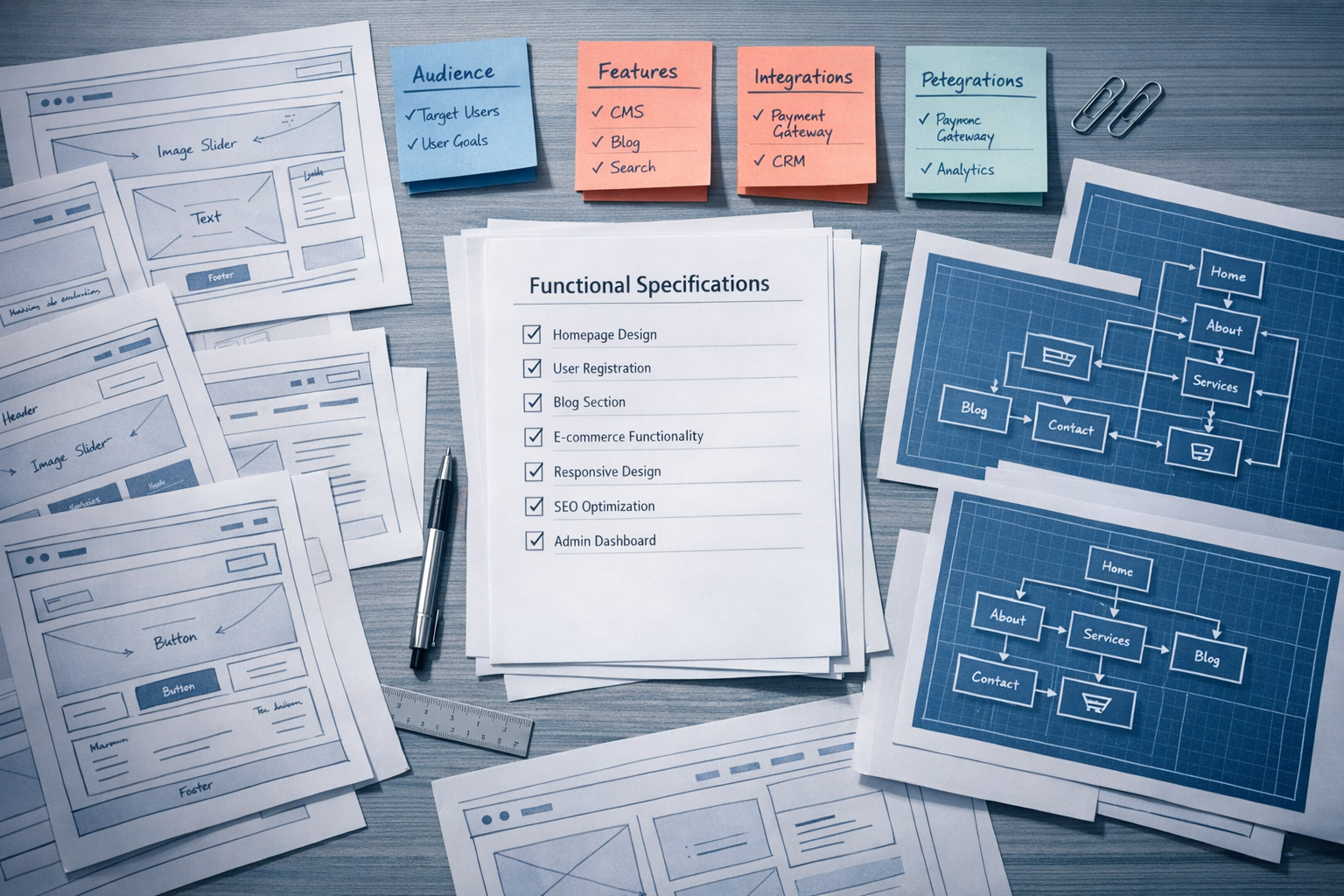
The requirements document should include a proposed sitemap that maps out every page or page type the site will contain. This doesn’t need to be the final sitemap, but it needs to be detailed enough that everyone agrees on the site’s scope.
There’s an important distinction here between static pages and dynamic page types. A static page is something like your About page or Contact page. A dynamic page type is a template that generates multiple pages, like a blog post template, a product detail page, or a case study layout. The development effort for a dynamic page type is typically three to five times greater than a static page, because it involves content modelling, database structure, filtering logic, and often CMS customisation. If your sitemap doesn’t distinguish between these two categories, your project estimates will be unreliable.
Document the navigation structure separately from the sitemap. Your sitemap shows everything that exists; your navigation shows what’s surfaced to users and how. Include the primary navigation, footer navigation, and any secondary navigation patterns (utility nav, sidebar menus for resource sections). If your site has more than 60 pages, consider including a content hierarchy diagram showing parent-child relationships between sections.

Functional Requirements
This is the section where most documents either shine or collapse. Functional requirements describe what the website needs to do, as distinct from how it should look or what content it should contain. Every interactive element, every user flow, every piece of logic should be captured here.
How to Write Functional Requirements That Actually Work
The key is specificity. “Users should be able to filter products” is a starting point, not a requirement. A proper functional requirement looks like this: “Users can filter products by category (multi-select), price range (slider with min/max), and availability (in-stock/pre-order). Filters update results without a full page reload. Active filters are displayed as removable tags above results. The URL updates to reflect active filters so filtered views can be bookmarked or shared.”
For each functional requirement, document the user story (who needs this and why), the acceptance criteria (how you’ll know it works), and any edge cases you’ve already identified. What happens when a filter combination returns zero results? What happens on mobile where screen space is limited? These questions will come up during development regardless. Answering them in the requirements phase typically saves mid-market teams three to six weeks of rework because the build team isn’t guessing at your intent.
Common Functional Areas to Cover
The specific functions will vary by project, but here are areas that frequently get under-specified:
- Forms: field types, validation rules, conditional logic, confirmation behaviour, spam prevention, where submissions are stored and who gets notified
- Search: what content is searchable, how results are ranked, whether autocomplete is needed, how results are displayed
- Authentication: who needs to log in, what they can access, password policies, SSO requirements
- E-commerce: product variants, inventory management, checkout flow, payment gateways, tax and shipping logic, post-purchase flows
- Content management: what non-technical users need to be able to edit, how often, and what guardrails prevent them from breaking the design
- Personalisation: whether content changes based on user behaviour, geography, account status, or referral source
If a function isn’t in the document, it isn’t in the project scope. This protects both you and your development partner. In our experience, most project failures trace back to scoping gaps in functional requirements, not to poor code or bad design.
Content Requirements
Content is the most frequently underestimated part of any website project. The requirements document should define what content exists, what needs to be created, who is responsible for each piece, and when it needs to be delivered.
Start by auditing your current content. Categorise every existing page into one of four buckets: keep as-is, revise, merge with another page, or retire. This gives you a realistic content workload before the project starts. For new content, create a content brief for each page type that specifies the purpose, target audience, primary keyword (if SEO is a goal), approximate word count, and required supporting assets like images, videos, or downloadable files.
The most dangerous assumption in website projects is that “content will be ready when we need it.” It almost never is. Your requirements document should include a content delivery schedule that aligns with the development timeline. If the design team needs homepage copy to finalise the layout, and your marketing team hasn’t written it yet, the project stalls. We’ve seen this delay launches by four to eight weeks on projects that were otherwise technically on track.
Design and Brand Parameters
This section bridges the gap between your brand identity and the visual direction of the site. It should include existing brand guidelines (logo usage, colour palette, typography, tone of voice) and any design preferences or constraints that aren’t covered by brand guidelines alone.
Be specific about what you mean by subjective terms. If you say the site should feel “premium,” provide three to five example sites that embody what premium means to you, and annotate what specifically you’re pointing to. Is it the typography? The whitespace? The photography style? The animation? Different stakeholders will interpret “premium” in completely different ways unless you ground it in concrete references.
Document any accessibility requirements here as well. At minimum, specify your target WCAG compliance level (2.1 AA is the standard most organisations should aim for). If your organisation has legal obligations around accessibility, or if a significant portion of your audience has specific accessibility needs, detail those here. Accessibility requirements affect design decisions, development approaches, and testing protocols, so they need to be stated upfront rather than bolted on at the end.
Technical Requirements and Constraints
Technical requirements define the platform, infrastructure, and architectural decisions that shape how the site is built. This section is where you document hard constraints that aren’t negotiable and preferences that are open to recommendation from your development partner.
Cover these areas at minimum:
- CMS platform: whether you’ve already selected one (WordPress, HubSpot CMS, a headless CMS) or whether platform selection is part of the project
- Hosting environment: any requirements around hosting provider, server location, uptime SLAs, or security certifications
- Performance targets: specific load time thresholds, Core Web Vitals targets, or performance budgets
- Browser and device support: which browsers and versions must be supported, breakpoint requirements for responsive design
- Security requirements: SSL, data encryption, compliance standards (GDPR, SOC 2, HIPAA), penetration testing expectations
- SEO requirements: URL structure rules, redirect mapping from the old site, schema markup needs, XML sitemap and robots.txt specifications
If you’re migrating from an existing site, include a technical audit summary of the current platform’s limitations. This helps potential development partners understand not just what you want, but what you’re moving away from and why.

Integration Requirements
Integrations deserve their own section because they’re consistently the area where scope creep hits hardest. Every system the website needs to connect with should be documented, including the direction of data flow, the volume of data, and the available integration method.
For each integration, specify:
- The system name and version (e.g., Salesforce Sales Cloud, HubSpot Marketing Hub Professional)
- The data being exchanged (e.g., form submissions push to Salesforce as leads with source tracking fields)
- The trigger and frequency (real-time via webhook, batch sync every 15 minutes, manual export)
- Whether an existing API or connector is available, or whether custom development is needed
- Who owns the integration on the third-party system side (your internal IT team, the vendor, a separate consultant)
A CRM integration that sounds simple in a meeting (“we just need forms to go into Salesforce”) can easily become a 40-hour development task once you account for field mapping, deduplication logic, error handling, and lead routing rules. The more detail you provide upfront, the more accurate your project estimates will be.
Success Metrics and Measurement
Your requirements document should define how you’ll measure whether the project succeeded. Not in vague terms, but with specific metrics, baselines, and targets.
Good success metrics are tied directly to the business objectives from your opening section. If your objective is lead generation, your metrics might include organic traffic volume, form conversion rate, cost per lead from paid channels landing on the new site, and marketing-qualified lead volume. If your objective is operational efficiency, you might measure support ticket volume, self-service completion rate, or time-to-information for common customer queries.
Document your current baselines for each metric. Without a baseline, you can’t measure improvement, and you’ll end up in a debate six months post-launch about whether the project “worked.” Also specify what analytics and tracking infrastructure needs to be in place at launch: Google Analytics 4 configuration, conversion tracking, event tracking for key interactions, heatmap tools, and any reporting dashboards your team needs.
Project Constraints and Governance
The final substantive section should cover budget range, timeline expectations, and decision-making structure. These aren’t nice-to-haves. They’re essential information that shapes every recommendation your development partner makes.
On budget, provide a realistic range rather than withholding it. A competent agency will design a different solution for a £50,000 budget than for a £150,000 budget, and both can be excellent if the scope matches the investment. Hiding your budget doesn’t get you a better price; it gets you a proposal that may be wildly misaligned with your reality.
On timeline, distinguish between hard deadlines and preferred timelines. A hard deadline means something external forces the date: a product launch, an event, a regulatory requirement. A preferred timeline is what you’d like to achieve if everything goes smoothly. Being honest about which is which helps your partner plan realistically rather than overpromising to win the work.
On governance, document who the project sponsor is, who makes final design and content decisions, who handles technical approvals, and what the review and feedback process looks like. Projects with unclear decision-making authority routinely take 30-50% longer than projects where one person has clear sign-off responsibility at each stage. Name the people. Define their roles. Agree this before the project starts.
What Separates a Good Document from a Great One
A good requirements document has all the sections listed above. A great one has been validated through structured discovery before being handed to a development team. That means the requirements have been stress-tested with stakeholders who hold different perspectives, checked against real user data rather than assumptions, and prioritised using a framework that distinguishes must-haves from nice-to-haves.
This is the core of what we describe in our blueprint-first guide: the idea that investing in rigorous requirements development before selecting a build partner dramatically reduces risk, waste, and misalignment. A requirements document that’s been through a structured validation process becomes a genuine project blueprint. One that hasn’t is, at best, an educated guess.
The most common mistake we see is treating the requirements document as a one-time deliverable. Write it, email it to three agencies, pick the cheapest bid. In practice, the document should be a living artefact that evolves through conversation, prototyping, and stakeholder alignment. The version you start with should be substantially more detailed and more accurate by the time development begins.
Putting This Into Practice
If you’re starting a requirements document from scratch, begin with the business objectives and target audiences. Get alignment on those before you write a single functional requirement. Then work through the sitemap and content requirements, because those define the scope of the project more than any other section. Layer in functional requirements, technical constraints, and integrations once the structural decisions are solid. Save design parameters and success metrics for last, not because they matter less, but because they’re easier to define accurately once everything else is clear.
Set a realistic timeline for the document itself. For a mid-market B2B site with 50-100 pages and moderate integration complexity, expect the requirements phase to take four to eight weeks if done properly. Rushing it to save time upfront almost always costs more time during build. The teams that invest in thorough, validated requirements before committing budget are consistently the ones that launch on time, on budget, and with a site that actually moves their business metrics in the right direction.
Ready to get started?